Drupal 10 reaches end of life on 9 December 2026. Your website will not automatically stop working on that date. Drupal will no longer issue new Drupal 10 releases. Official release schedule.
If your website still runs Drupal 10, ask your provider for a written upgrade plan based on an assessment of your site. It should explain what needs changing, who will do it, what it will cost and how completion will be demonstrated.
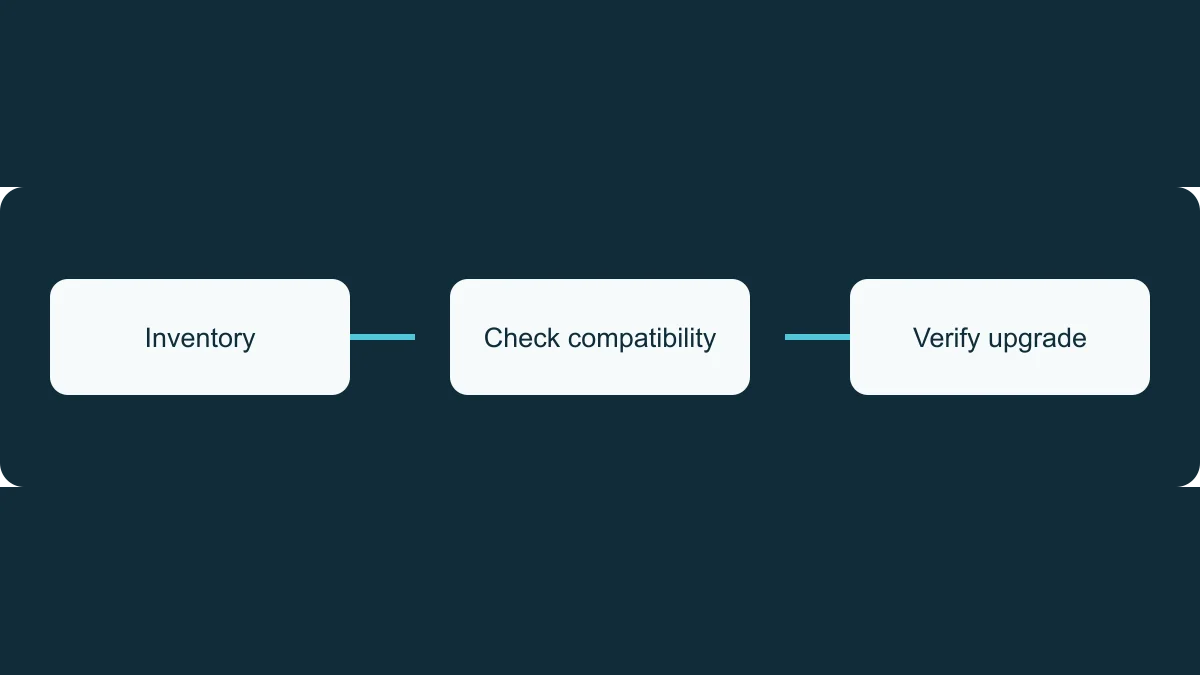
Confirm what your website is running
Ask for the exact Drupal version deployed to the live website and whether its minor version still receives security updates. Older Drupal 10 minor versions do not all remain supported until December.
Also ask for the PHP version and its support status. These are separate parts of the assessment.
The answers should come from a recent production check. If the provider is still gathering information, ask what remains unknown and when it will be resolved.
Ask which supported Drupal release they recommend and why it suits your site. Modules, themes, custom functionality and hosting all need consideration. Drupal’s normal upgrade path follows consecutive major versions, so an existing Drupal 10 site must move through Drupal 11 before a later major upgrade.
Make scope and cost clear
An upgrade proposal should explain what is included: compatibility assessment, software changes, hosting work, testing, deployment and checks after release. Ask whether any functionality needs replacing and what that means for staff or visitors.
Request a cost breakdown with assumptions and unresolved items. Clarify what your existing support agreement covers and what needs separate approval.
Agree who handles development, hosting changes, business testing and release approval. If several suppliers are involved, nominate one person to coordinate them. Confirm what your own team needs to do and when.
Ask for achievable milestones, including the intended production date. Each date should account for the dependencies and decisions needed to meet it.
Agree how the result will be checked
Identify the tasks your website must continue to perform. Depending on the site, these might include submitting forms, signing in, making payments, searching content or publishing updates.
Ask how those tasks will be tested, what backups will be taken and how the team would recover from a failed deployment. Agree who checks the live website after release.
Completion evidence should identify the version running in production, deployment date and outcome of the agreed checks. Record remaining issues with an owner and next action.
Address delays explicitly
If the planned date cannot be met, request an explanation, temporary risk controls, an accountable owner and a revised date. Temporary measures do not extend Drupal’s official support.
Relevant security updates should continue while the site is on a supported branch and the upgrade is being prepared.
Ask how the provider will manage future minor upgrades too. Drupal’s November announcement reduces coverage for most minor releases to eight months from 2027, with longer coverage for final minors and transition arrangements. Your ongoing support plan should include checking those dates and scheduling the next update.