Drupal published 34 contributed project security advisories on 21 October 2026. If you own a Drupal website, ask your support provider for a clear assessment of your sites and a plan for any work required. Drupal advisory index.
The number alone cannot tell you how many changes your website needs. Applicability depends on the software installed, its version, configuration and how people can use the affected features. Your provider should explain those details in terms you can use to make decisions.
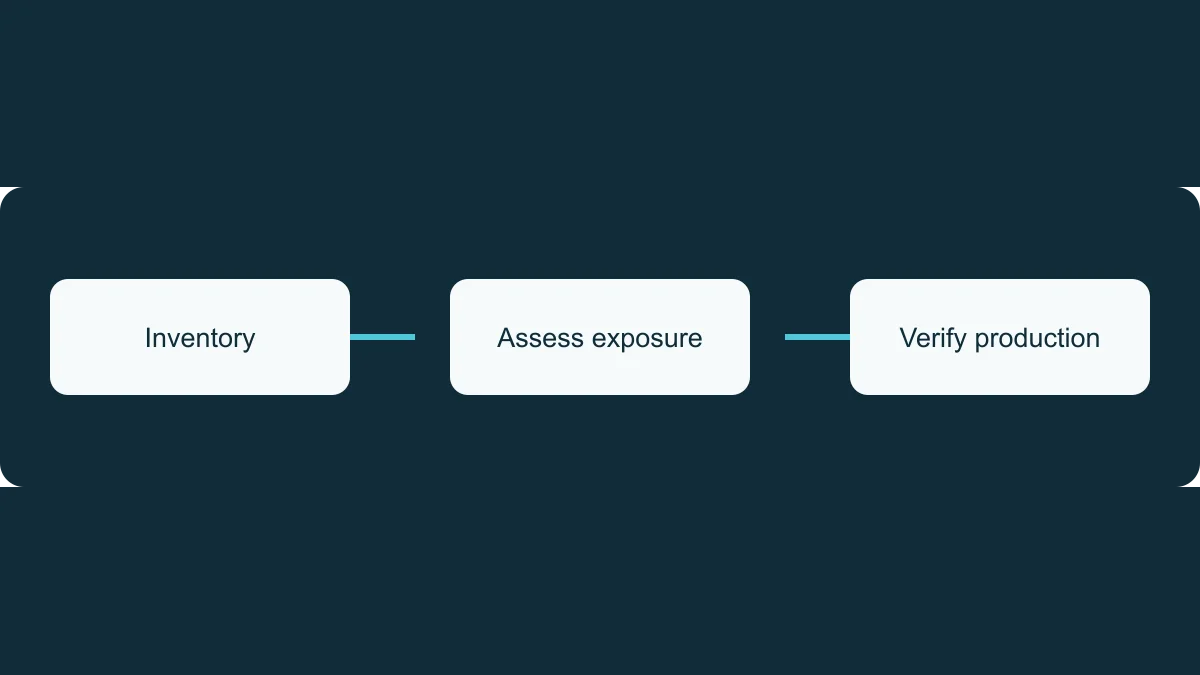
Ask which sites are affected
Request a site-by-site assessment based on current production information. It should distinguish confirmed affected sites, sites assessed as unaffected, and sites still awaiting investigation.
Ask when the information was checked. An old report or an assessment of a development environment may not describe the live website.
The assessment should include relevant contributed themes and modules, including base themes and optional submodules where applicable. Ask for the evidence behind any conclusion that an advisory does not affect your site.
Ask how the risk was assessed
A severity rating is useful, but your provider should also explain the circumstances on your site.
For example, Ffmpeg Image Toolkit SA-CONTRIB-2026-220 is rated Highly critical and requires the attacker to be able to upload images. An assessment should establish whether your site uses an affected version and who can reach the relevant upload functionality.
Ask what could be affected, which conditions are present and what supports any claimed mitigation. A temporary restriction should come with a plan for completing the underlying update.
Agree responsibility and dates
For each required update, ask for the responsible person, proposed completion date and any decision needed from your organisation. Clarify whether the work is included in your support arrangement and whether additional costs need approval.
The plan should identify who develops the change, tests it, authorises deployment and checks the live site afterwards. If several organisations are involved, ask who coordinates the whole release.
Where a date cannot yet be confirmed, request the blocker, its owner and the next review date.
Agree urgent update authority in advance
Consider providing advance authority for defined categories of urgent security work where this fits your organisation’s governance and support agreement.
Document eligibility, spending authority, minimum testing, recovery arrangements and communication expectations. Specify who can act if the usual approver is unavailable, and which changes require a separate decision.
This gives the provider an agreed path when an eligible update arrives. The authority and scope should be explicit.
Ask for evidence of completion
A completion update should identify the production deployment, fixed version and checks performed on the live site. Ask the provider to list any sites or issues still outstanding.
When comparing support services, look for a clear connection between monitoring, assessment, authorised work and production verification. Each step needs someone responsible for it.
TrueCMS maintains Sentinel Connector, which provides update monitoring for Drupal core and modules, including disabled modules. Monitoring can inform the assessment. Ask your provider how they cover themes and other dependencies, arrange remediation and verify the result.